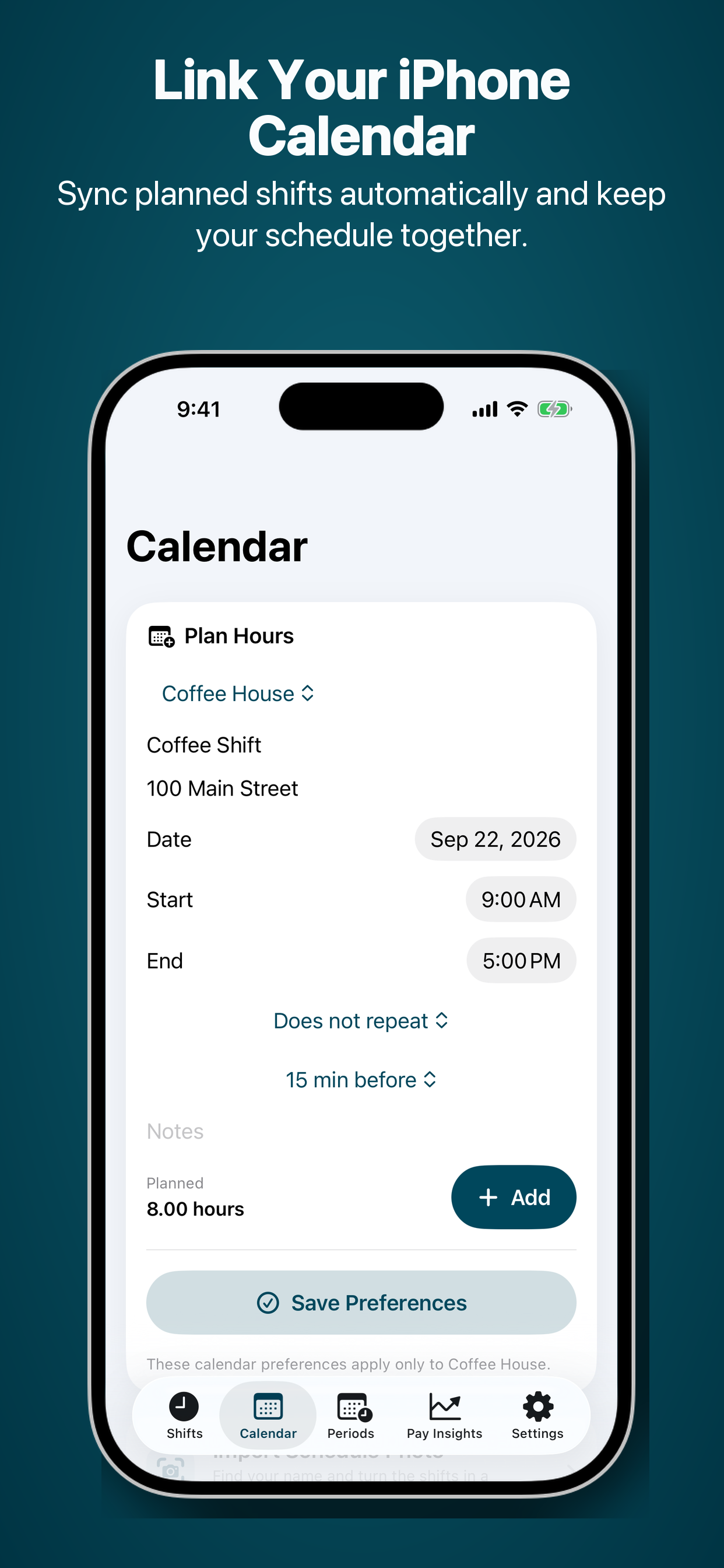
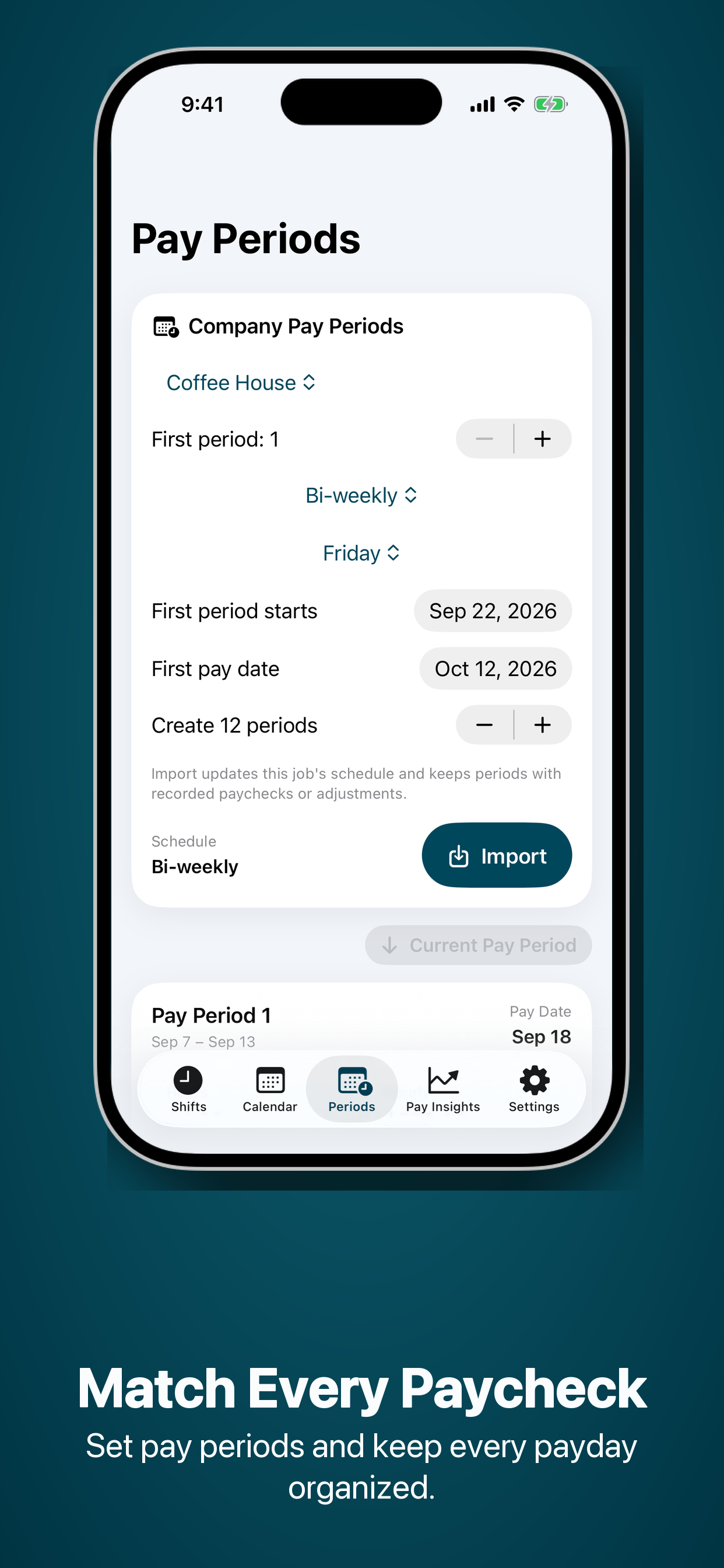
Keep your work records together, so it’s easier to see what you planned, what you worked, and what you earned.
01 / SCHEDULE IMPORT
Import the schedule. Skip the retyping.
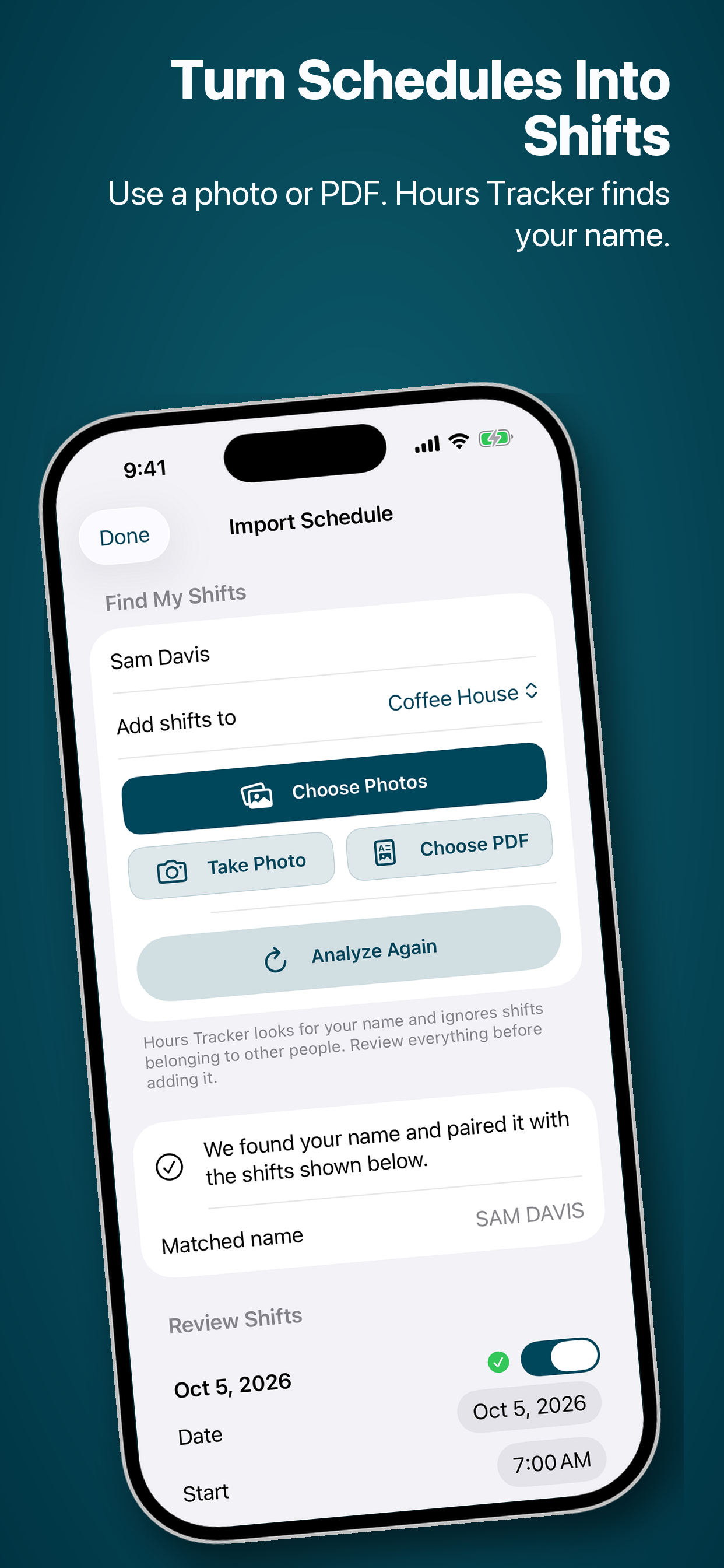
Choose a schedule photo, screenshot, or PDF and enter your name as it appears. Hours Tracker detects possible shifts on your device, then lets you review and edit every date and time before adding them.
Supports photos, camera captures, and PDFs
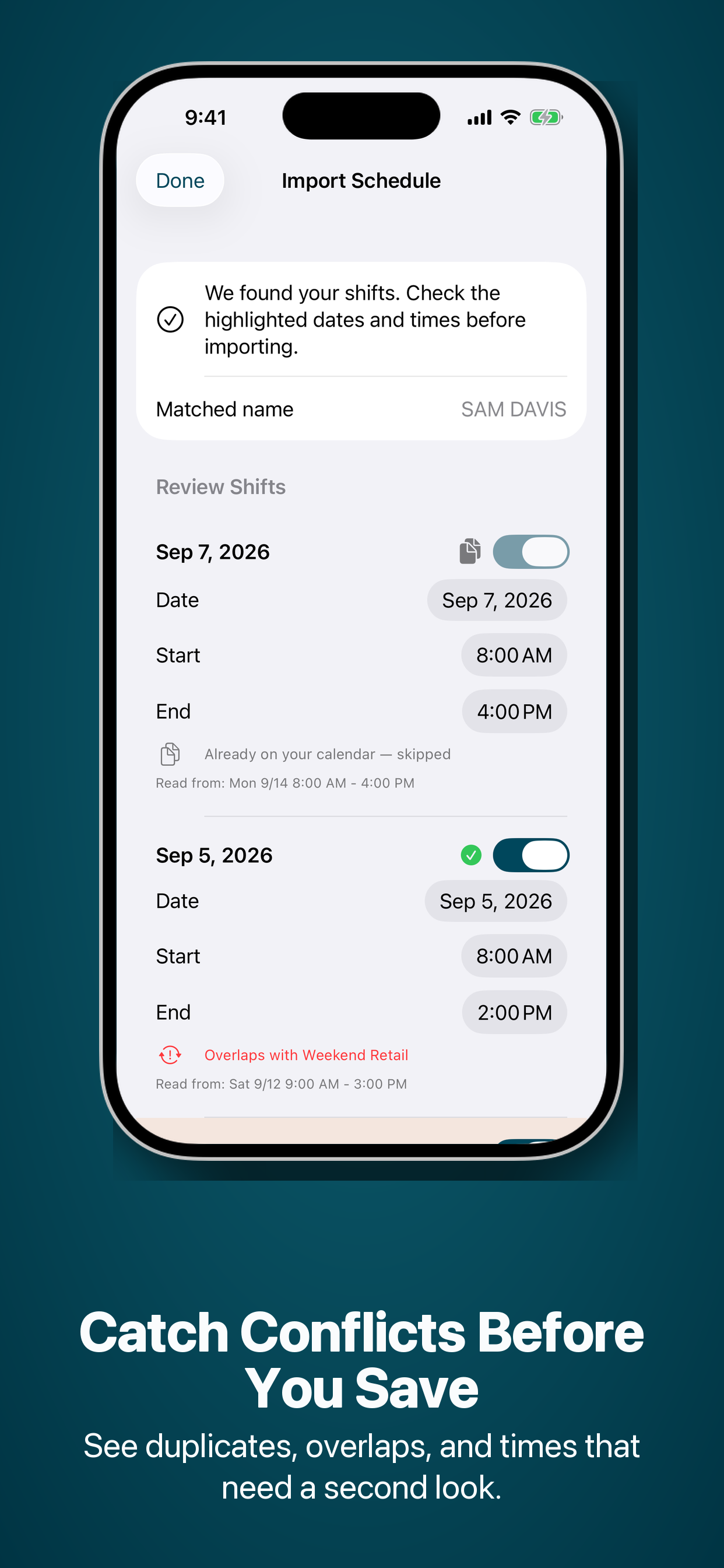
Flags duplicates, overlaps, and low-quality scans
Your source schedule stays on your device
1Choose→2Detect→3Review→4Add
02 / TRACK YOUR TIME
Clock in. Carry on.
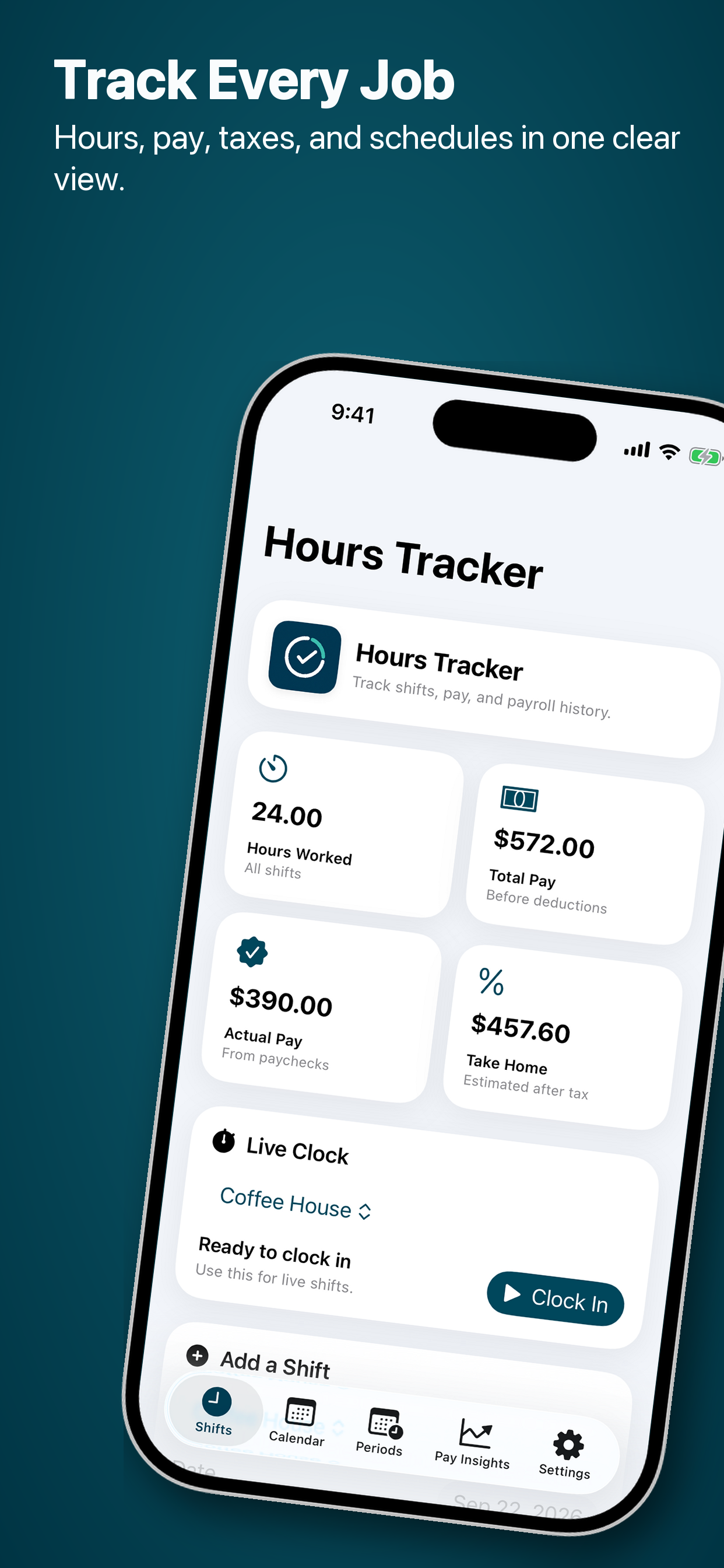
Start the live clock when your shift begins, or add your hours later. Keep a clear record of each working day.
03 / UNDERSTAND YOUR PAY
See where your hours add up.
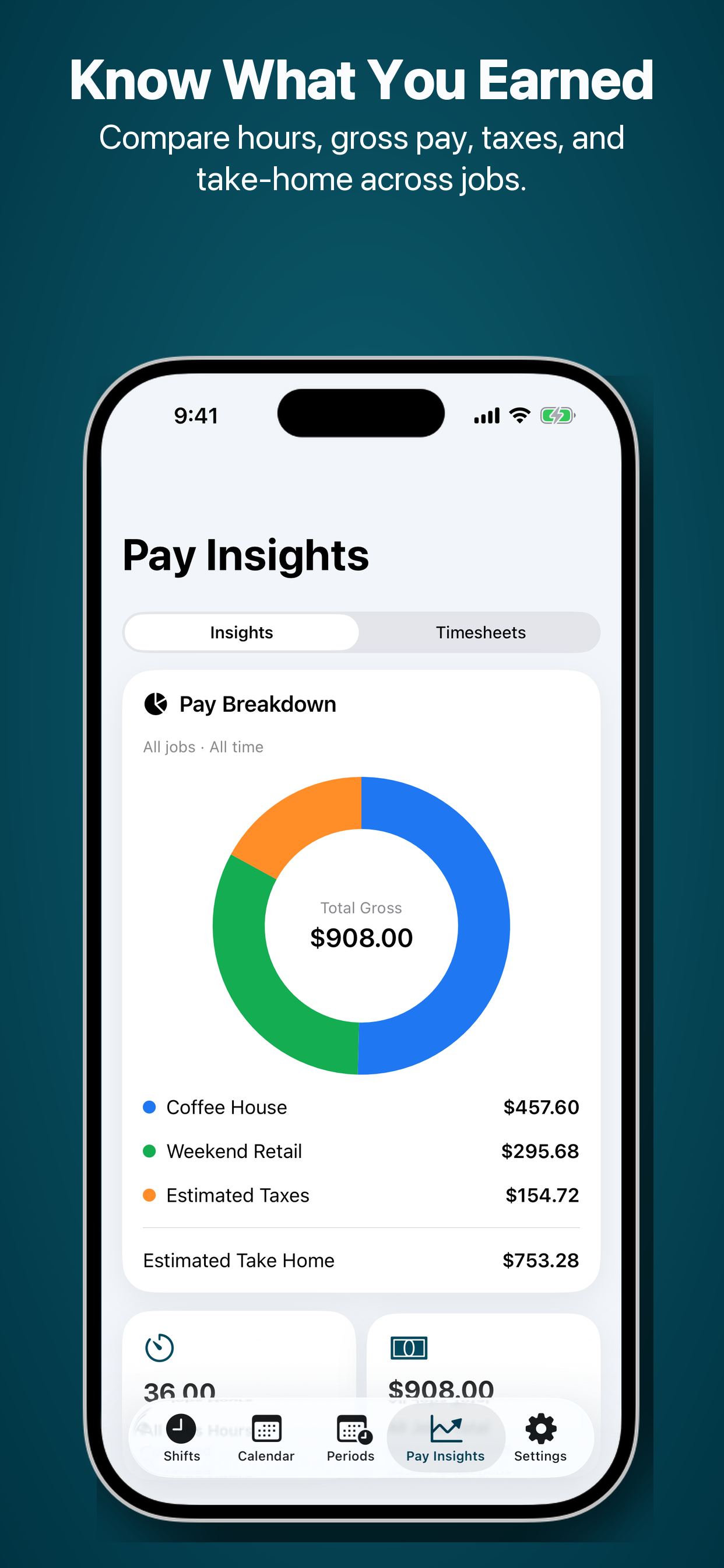
Review estimated earnings, track tips, and compare your actual paycheck with your pay period totals.